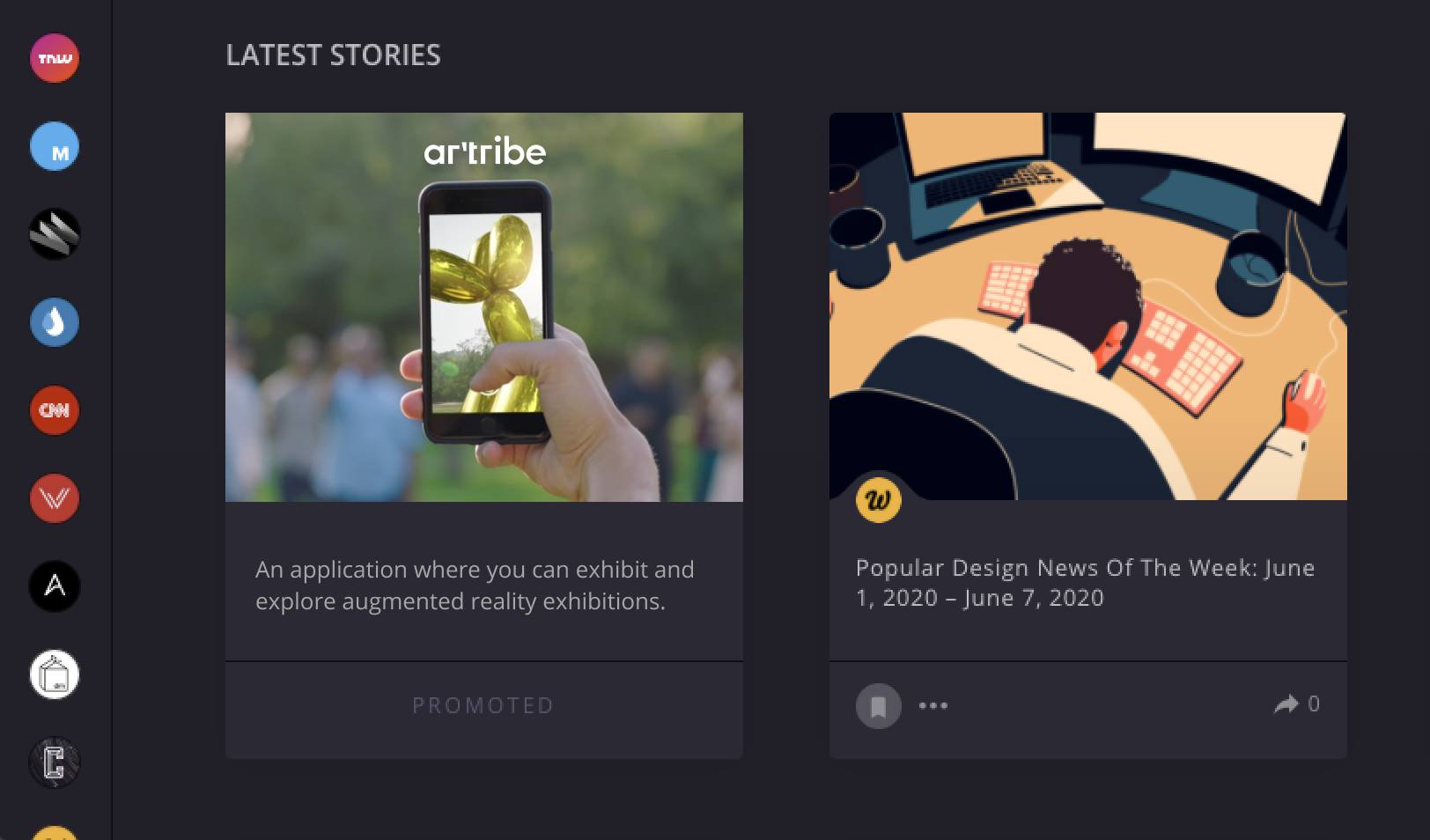
Artribe is

Augmented Reality
Exhibition Network

that helps creators to take advantage of the power of AR to create more interactive, enhanced, and participative experiences.

How

Artribe aims to eliminate the constraints of the traditional exhibition format faced by new media art creators, to give its users the freedom to exhibit individually or in collaboration and to explore artworks in various mediums through a social network.

Research

The research was completed with selected keywords: the traditional exhibition format, new media art, and its requirements, the pros and cons of creating exhibitions in various mediums, and how interactive experiences were incorporated into the art. And at the intersection of all these research topics, there was augmented reality technology.

#traditional exhibition format  #new media art #various mediums  #augmented reality  #public art #interactive experience  #participative art #collaborative art  #enhanced media

#traditional exhibition format  #new media art #various mediums  #augmented reality  #public art #interactive experience  #participative art #collaborative art  #enhanced media

Persona

Before starting to develop the product, we identified our target users to understand their goals and expectations from the experience of using the application.

Jimmy

Digital sculptor, 35
Goals & Motivations
Being able to present his work in real size and in its related environment.
Eliminating 3D print process and costs.

Maggie

Art critic, 45
Goals & Motivations
Discovering more artists and reaching them.
Visiting more exhibitions without spending much time.

Wireframes

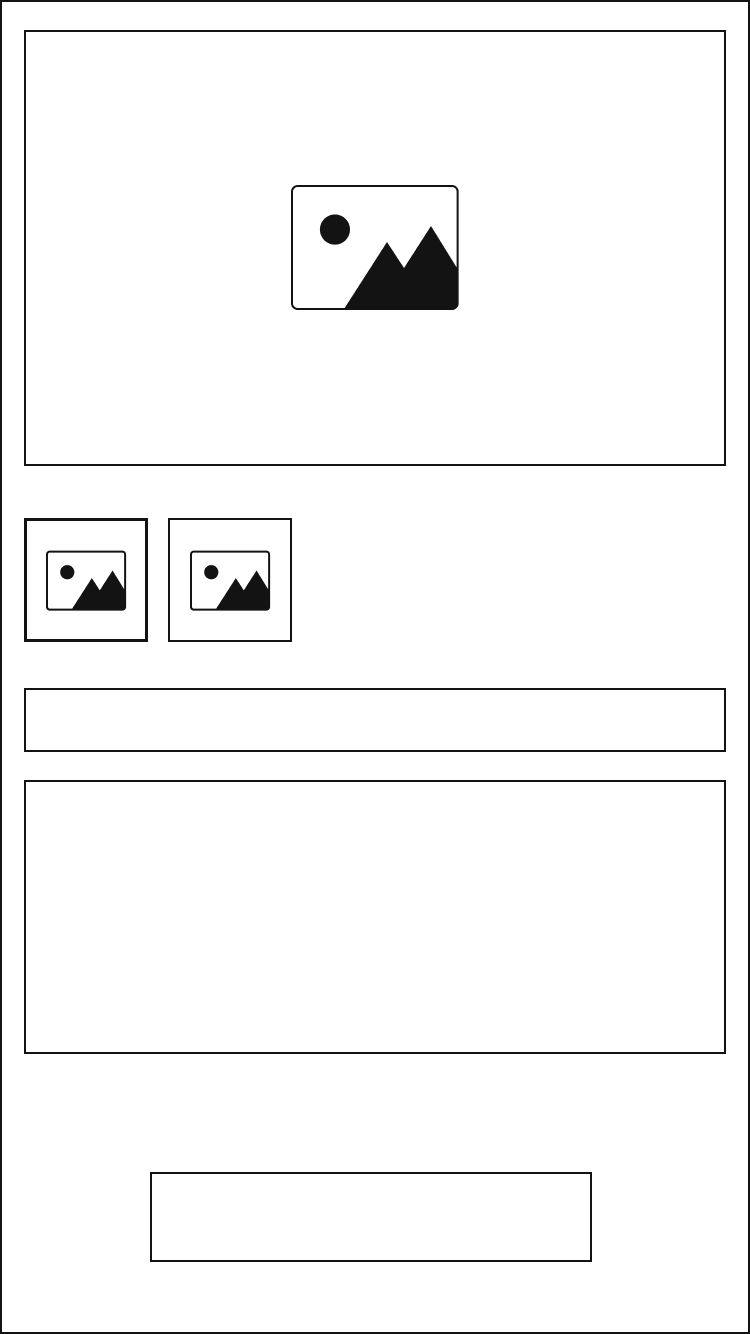
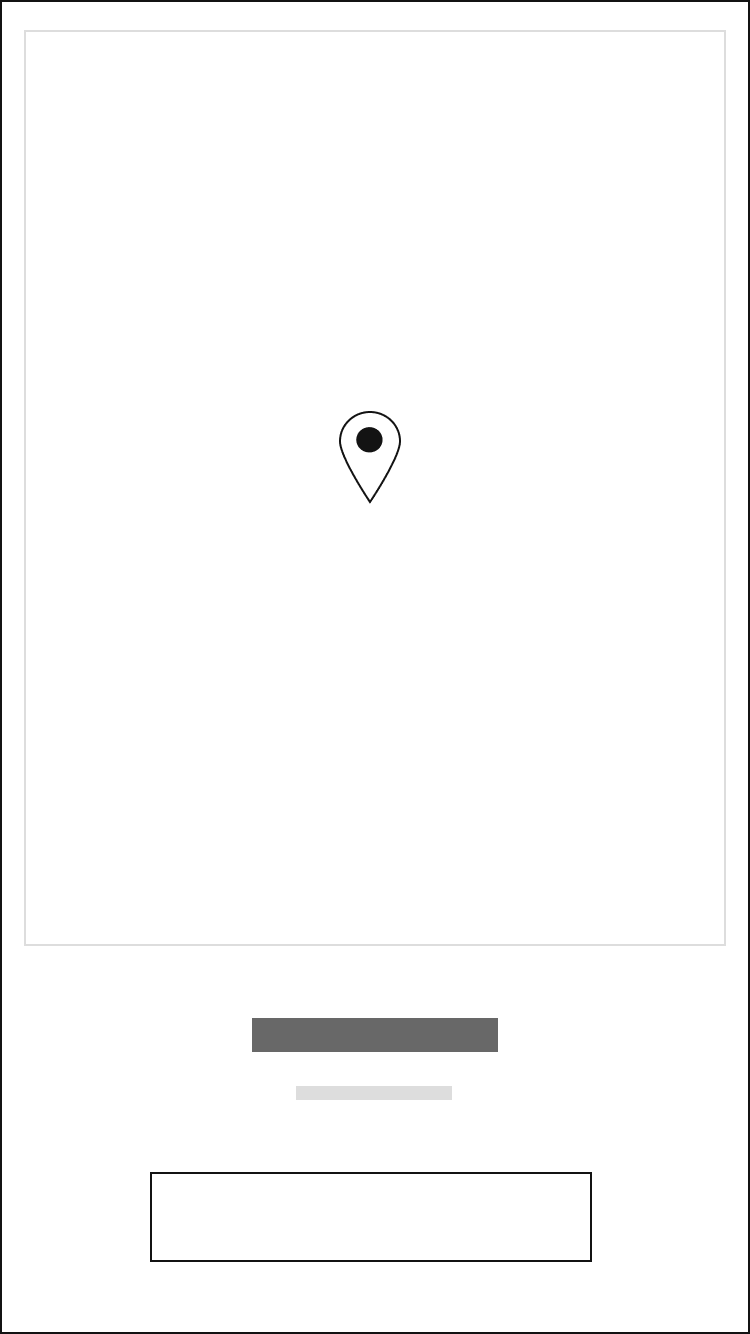
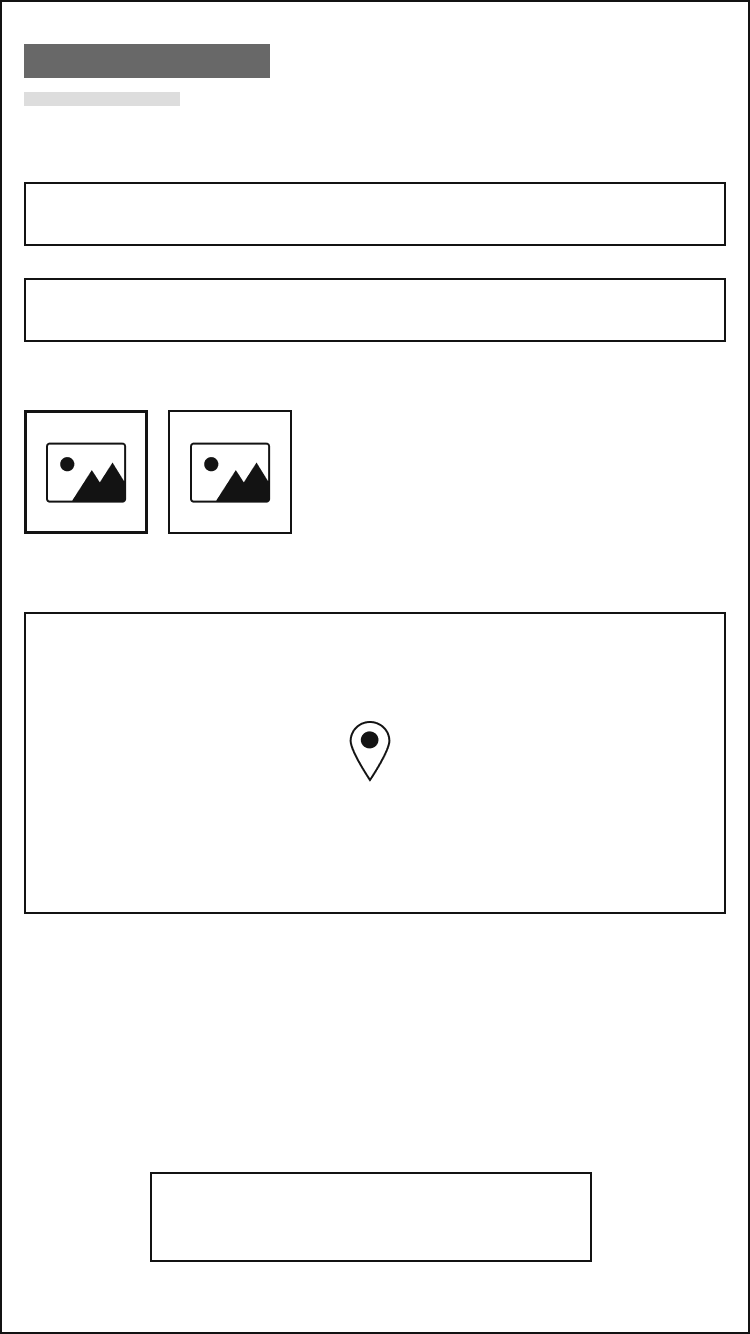
We created low fidelity wireframes to study the functionality, understand user behavior, and prioritize interface elements.

User Testing

After the first interface designs were prepared based on previous wireframes and visual design decisions, we created an interactive prototype for usability testing.

In order to verify the objectives and functions of the project, usability testing was completed with artists and designers who were interviewed one on one during the persona creation phase.

100%

of participants succesfully completed all tasks related to the overall concept

90%

of participants understood the core premise and overall concept

90%

of participants enjoyed the concept and the exhibition experience

20%

of participants experienced difficulty while exhibition creation

User Interface

Almost all decisions took with considering that the mobile app will be used on the go. Also, all the graphical elements in the interface will be used for this purpose: the interface should be a tool for the link between the artist, the art and the audience, and should not contain any distractor element that interferes with this communication.

Considering these and usability test results, we have completed the improvements of the interface with user-centered design approach.
Typography

Aa

Uxum

Bold
Light

Aa

Inter

Bold
Regular
Icons
Colors
#2400FF
#686868
#969696
#ececec
#f7f7f8
#131313

Onboarding

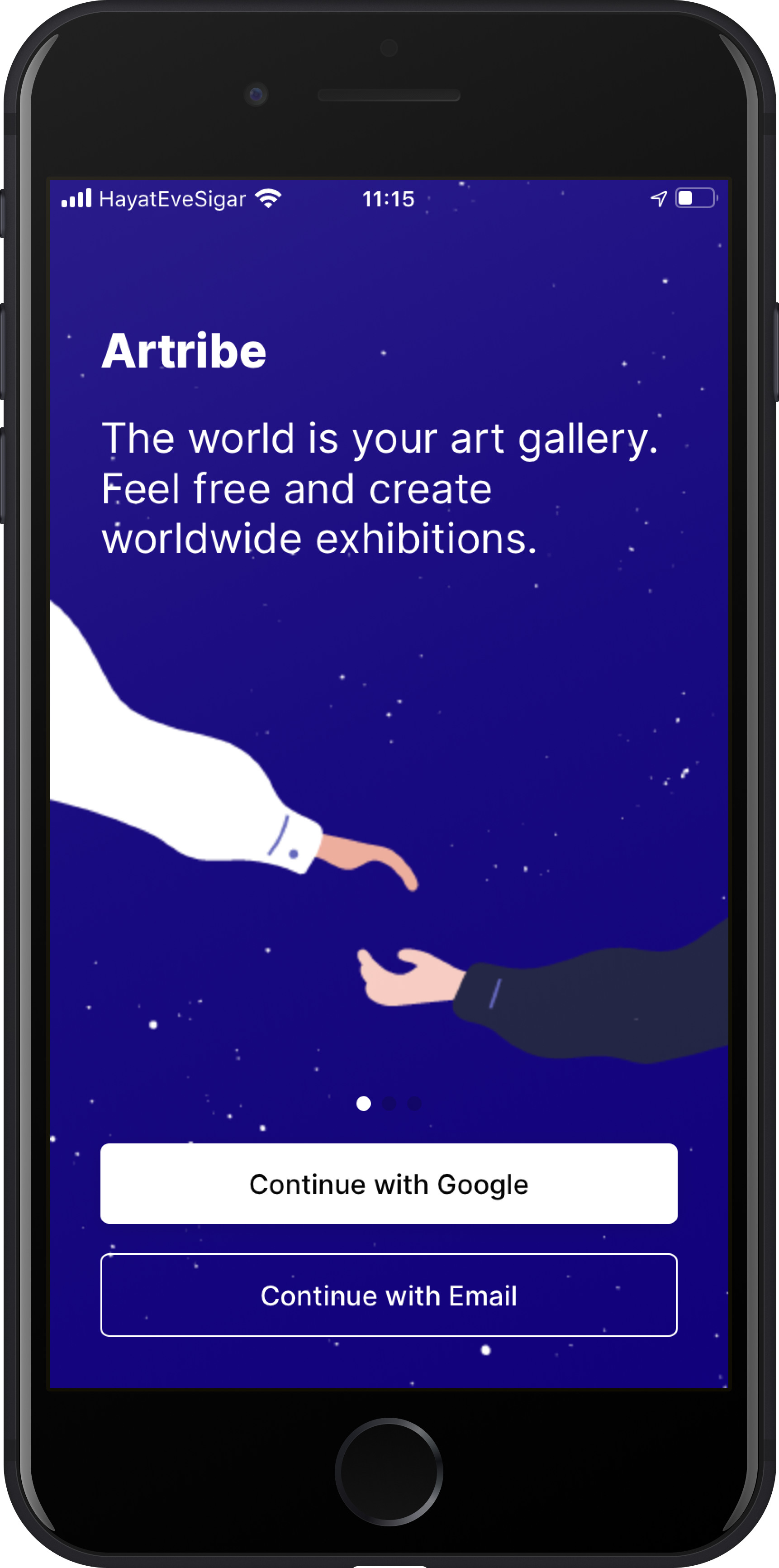
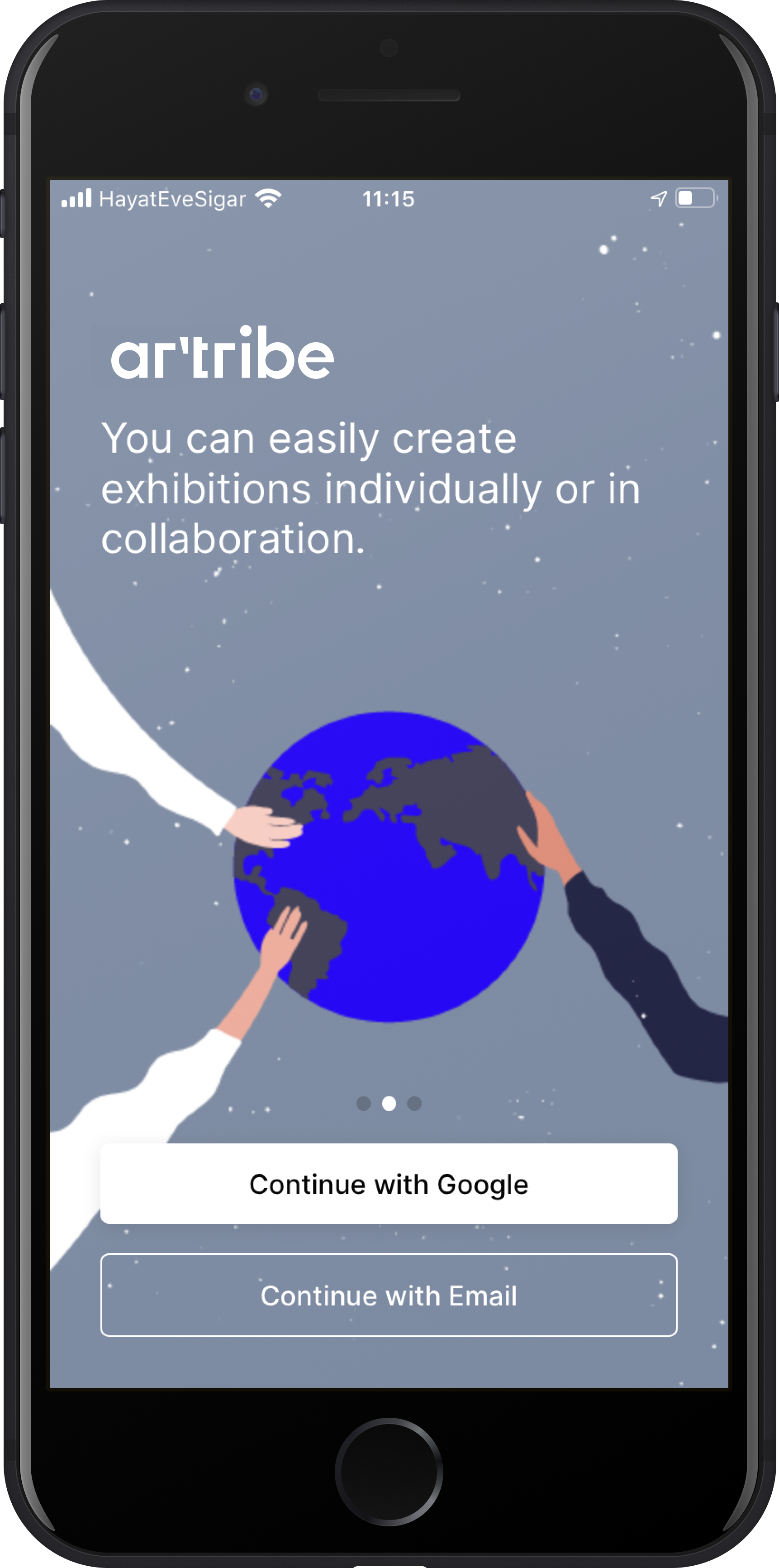
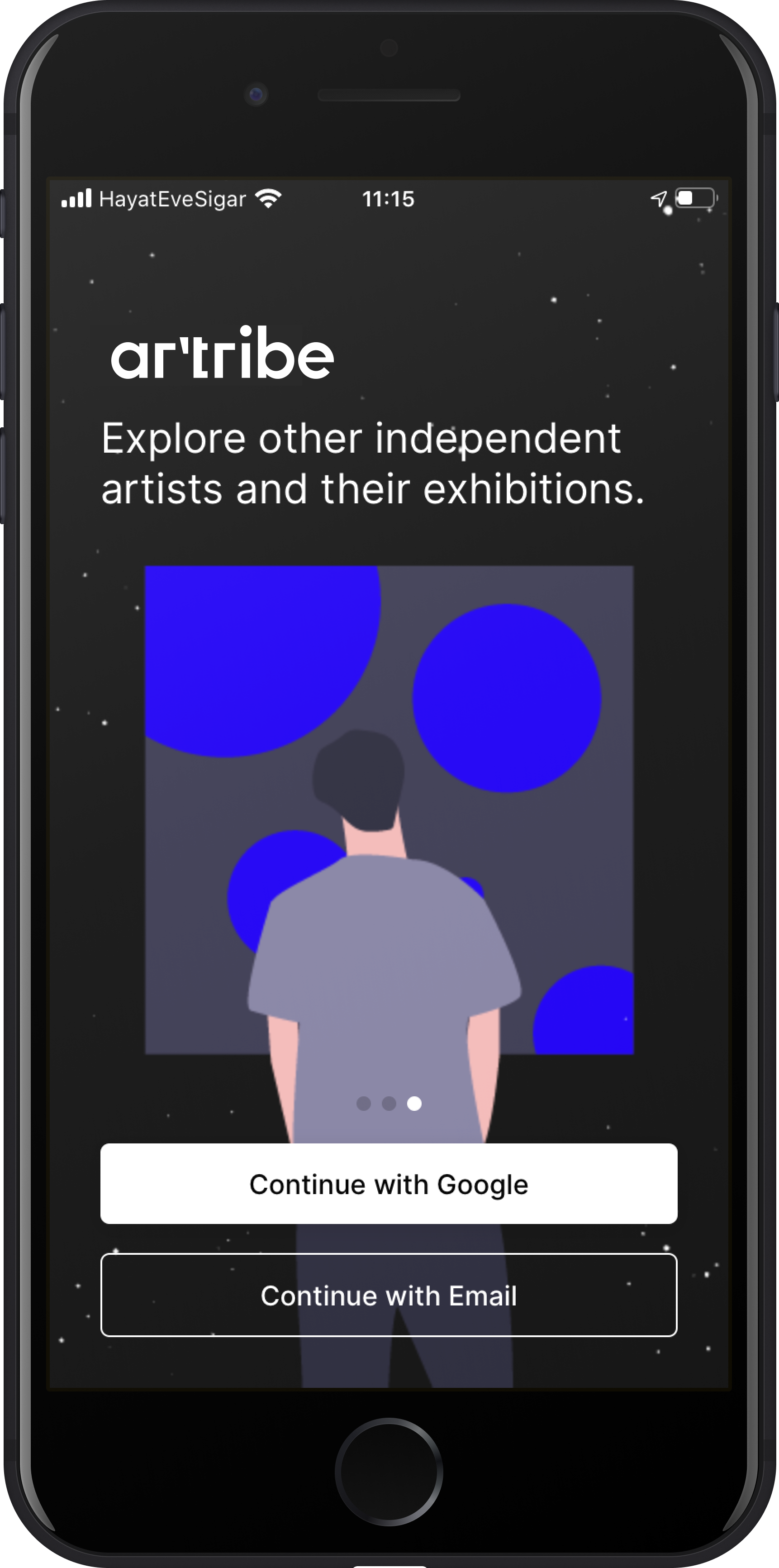
Before registering a user, we illustrate the main advantages and functions of the Artribe application.

Register & Login

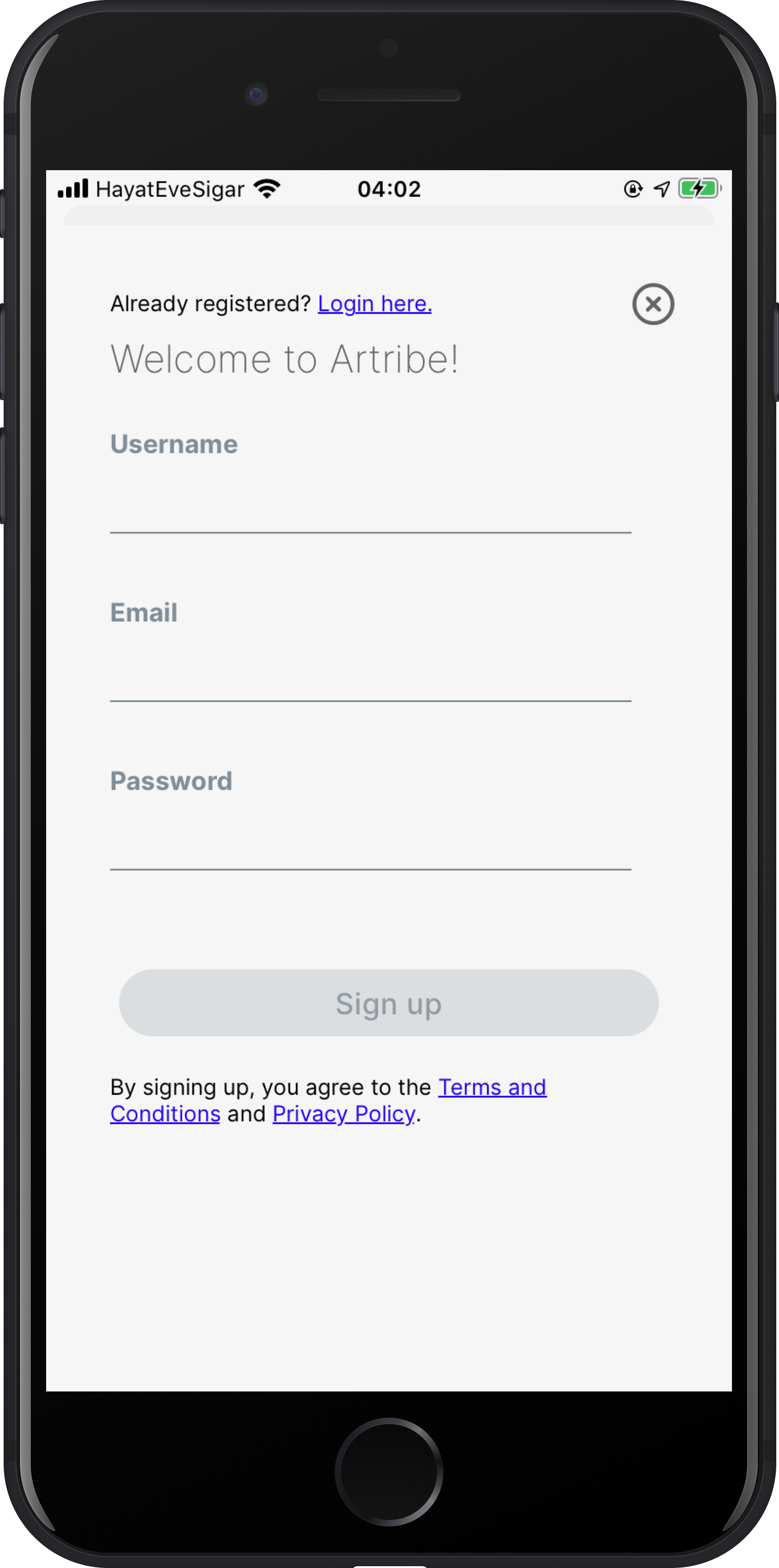
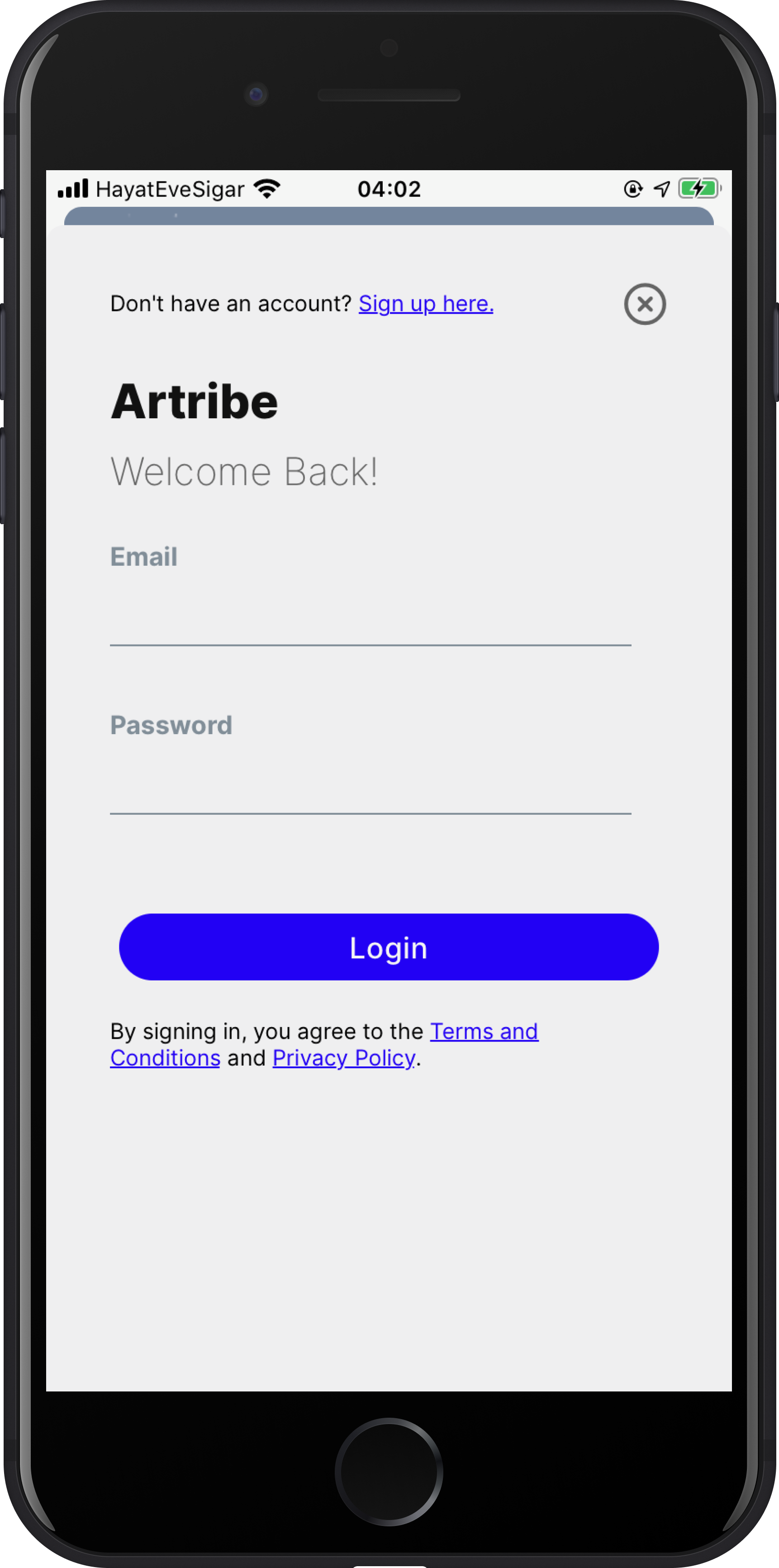
A user first needs to create a profile on the Artribe platform. Social login mechanisms could be used at this time to accelerate the process. If the user has not opted for social login, they need to provide some profile information like email, username, full name, and profile photo.

Homepage

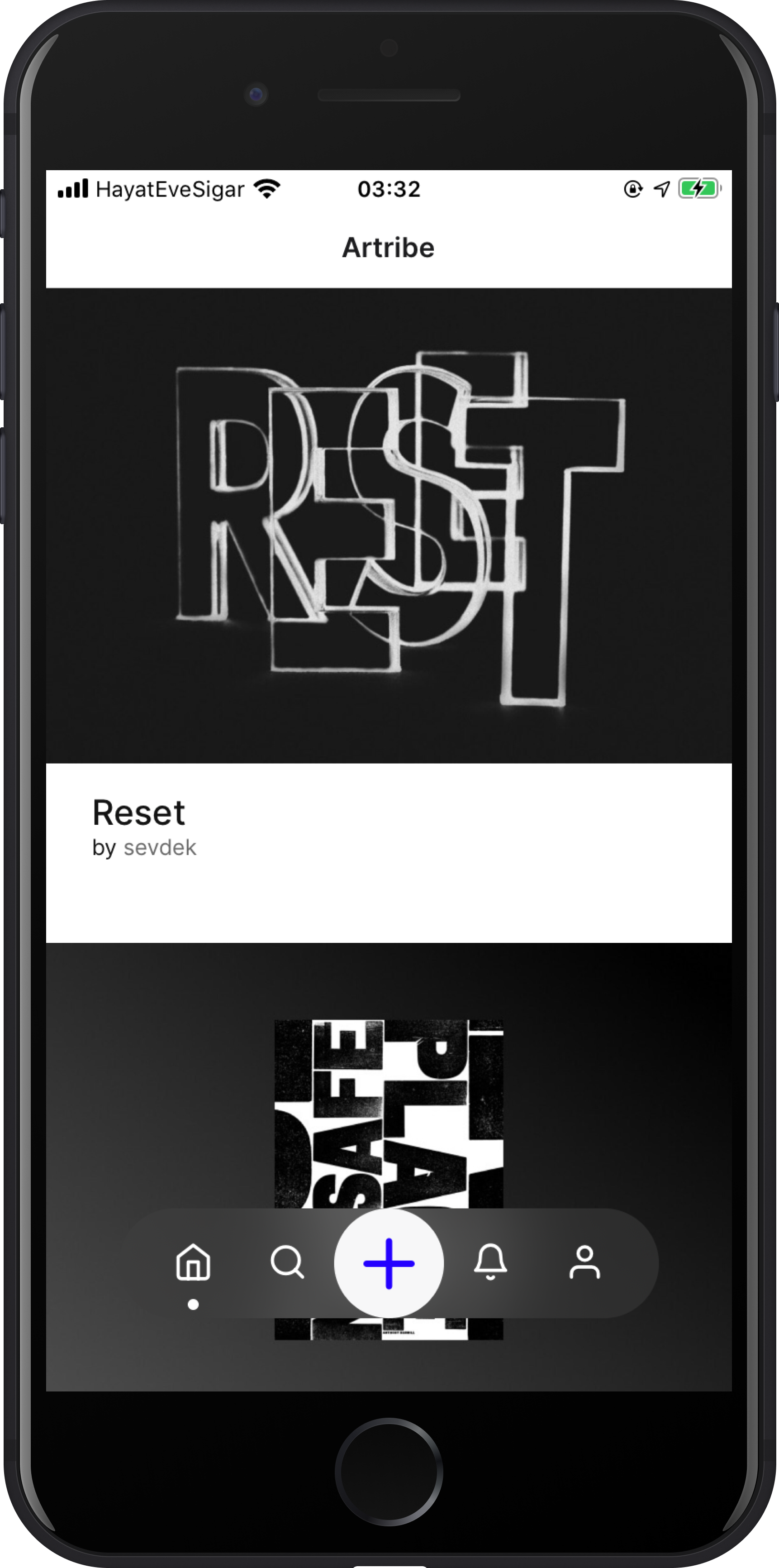
On the homepage, users can view the recent exhibitions of followed users and easily access the exhibition page to start the exhibition.

Explore & Search

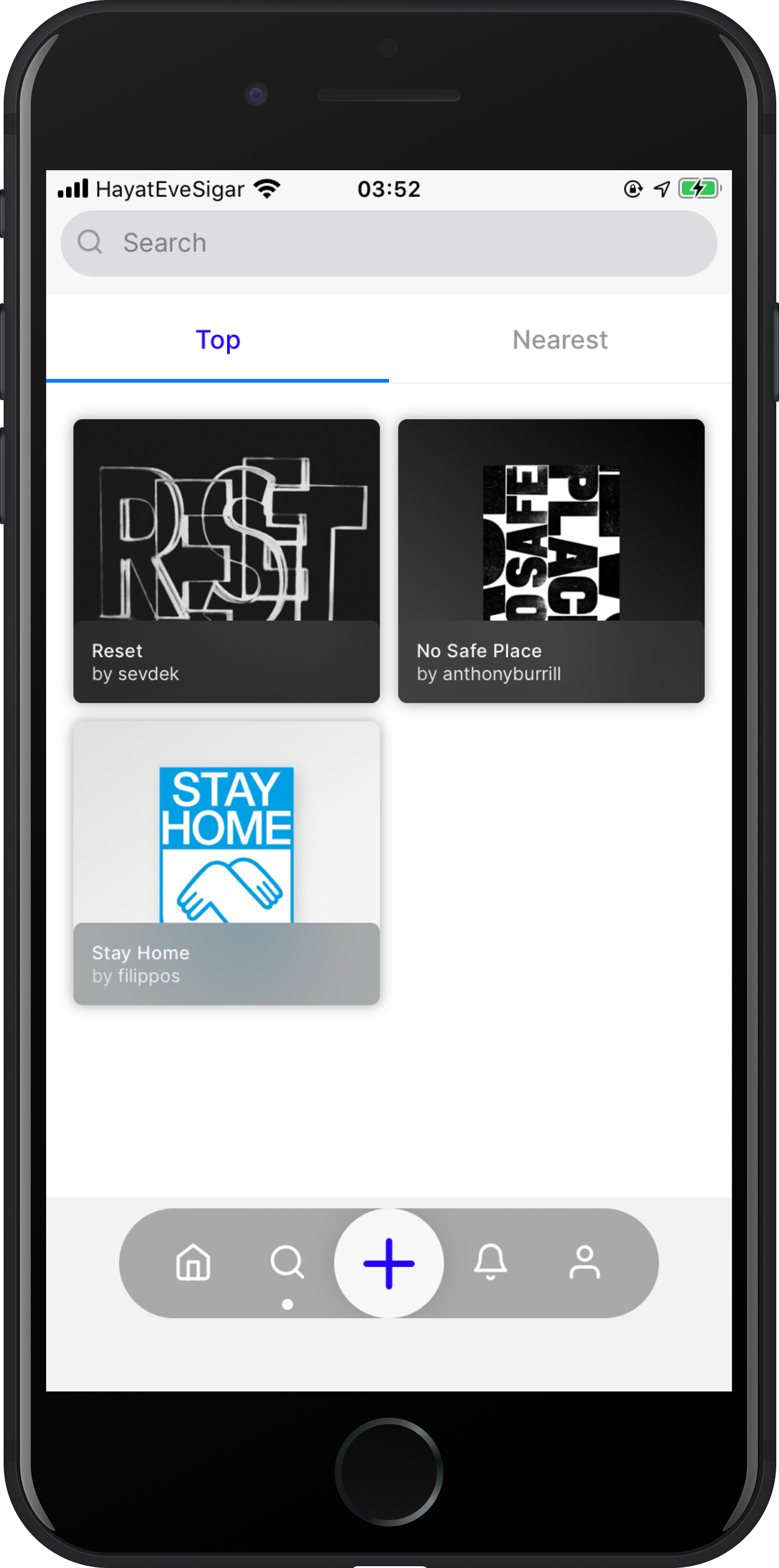
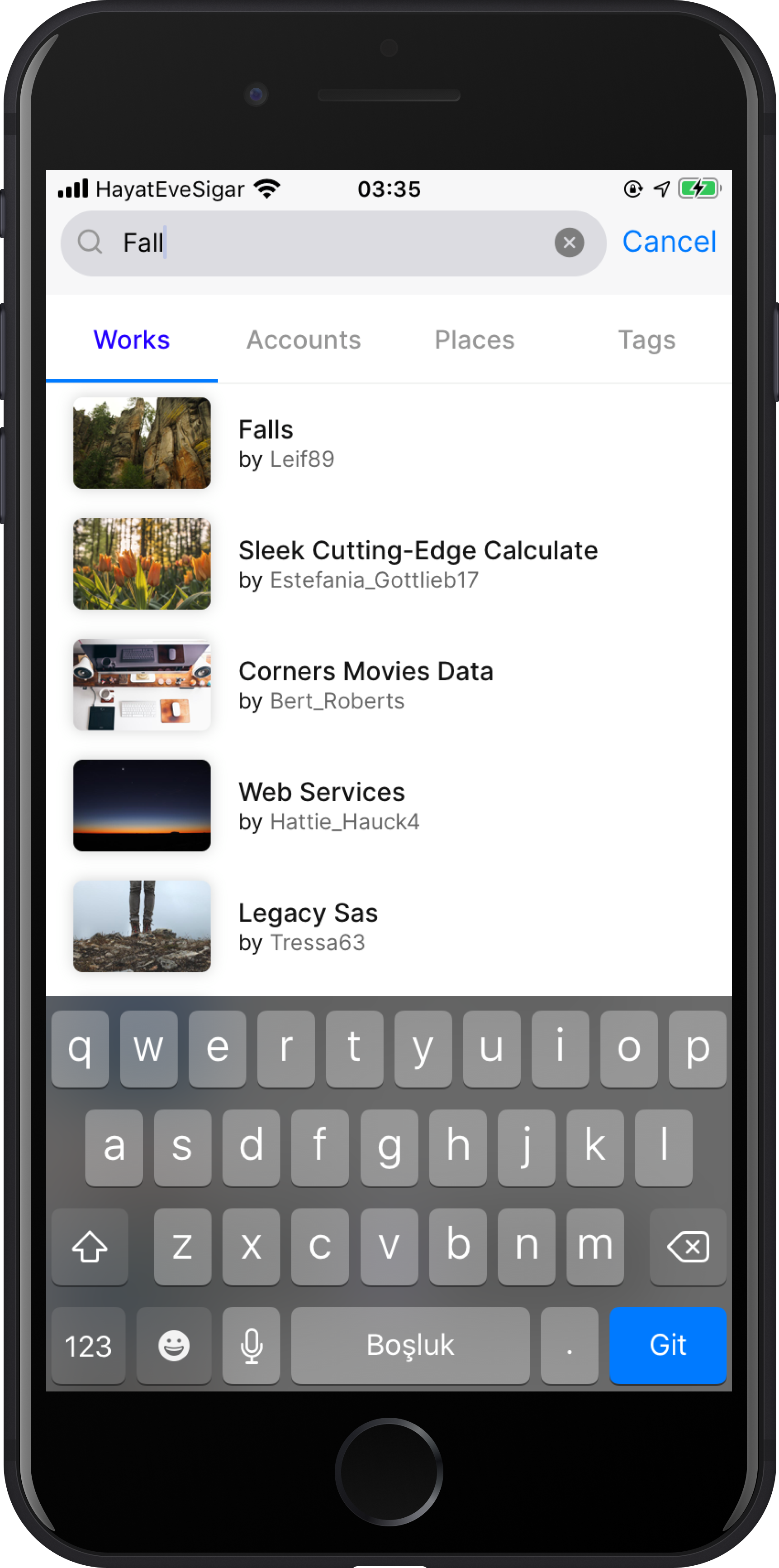
Explore tab shows the top and nearest exhibitions according to your followed users' activities. When users tap the search bar, the explore tab will replace with search result tabs. Users can search for works, accounts, places, and tags.

Notification

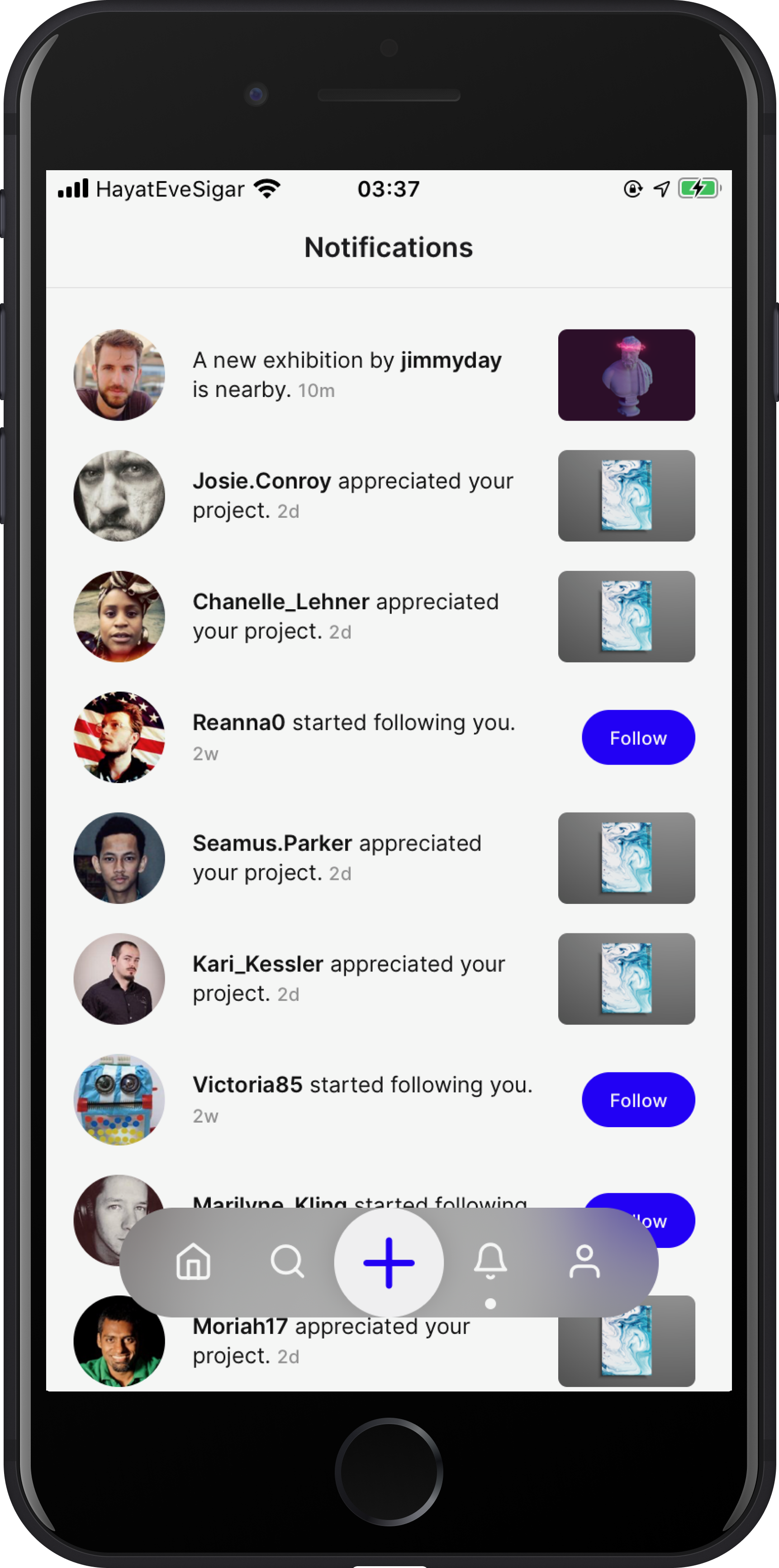
According to their preferences in the settings, users are notified about appreciations to their exhibitions, new followers, and collaboration requests, as well as new exhibitions with tag(s) they follow, and recent exhibitions of the followed users.

User Profile

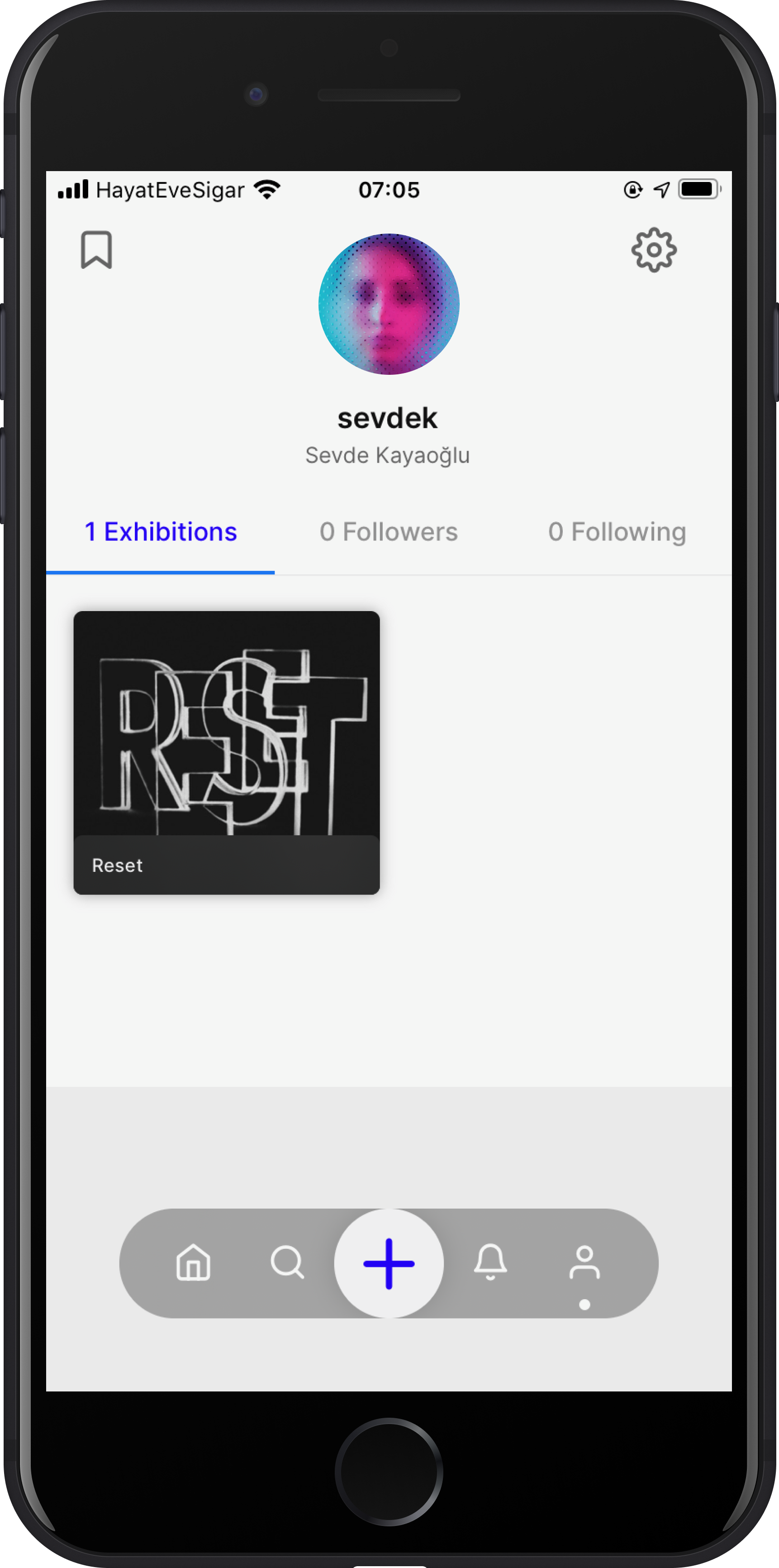
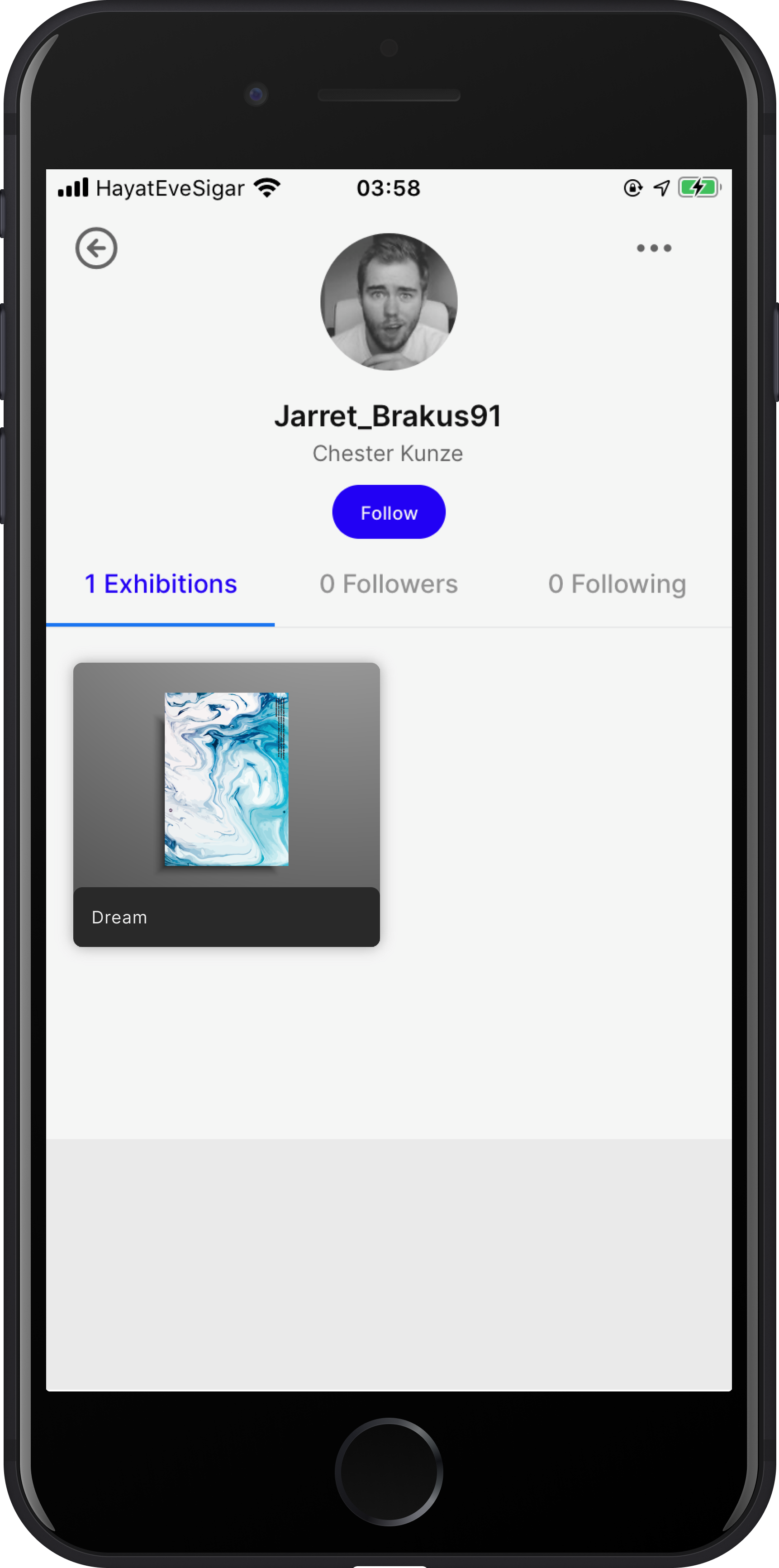
On the user profile page, users can see the exhibitions they have created or collaborated with. They can view exhibitions they saved to visit later and also access their account settings here.

Exhibition Creation

For creating an exhibition, it is required to starting with upload an artwork. This can be an image or video from the camera roll or a 3D model from the file manager. After placement of the artwork(s), users need to confirm GPS location on the map, the information that they give, and publishes the exhibition on their profile.

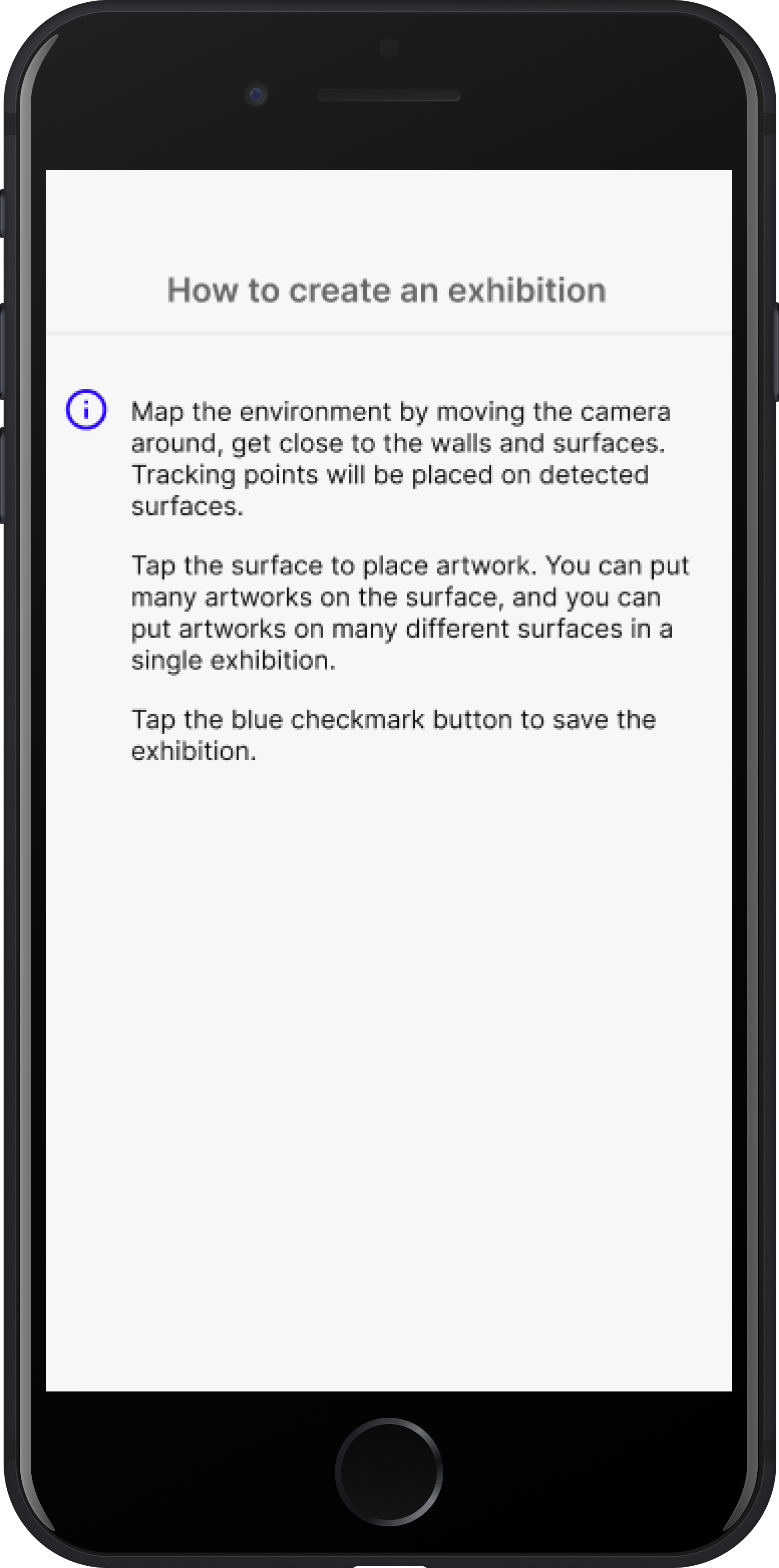
Tips

There are some tips for creating better exhibitions that users can easily reach throughout the whole creation process on the AR view.

In addition, when users start viewing an exhibition, they can see the necessary tips for an easier experience.

Exhibition View

Before viewing an exhibition, users need access to the exhibition detail page which accompanies all detailed information about the exhibition, such as creator, contributors, description, exact location on the map, tags, and categories. Also, the exhibition details page is where users can visit the exhibition. To start the AR experience, first, they view the visual clue to find, and then they are directed to the AR view.

Get Early Access

Artribe is currently in private beta. To join the tribe and access the latest features please enter your email address.
Thank you! Your submission has been received!
Oops! Something went wrong while submitting the form.

Promotional Materials

Muzli Extension Ad
Instagram Story Ad
Project Proposal
Project Documentation